After Dark Goods
Midnight Monitor Light Bar
Midnight Monitor Light Bar
Couldn't load pickup availability
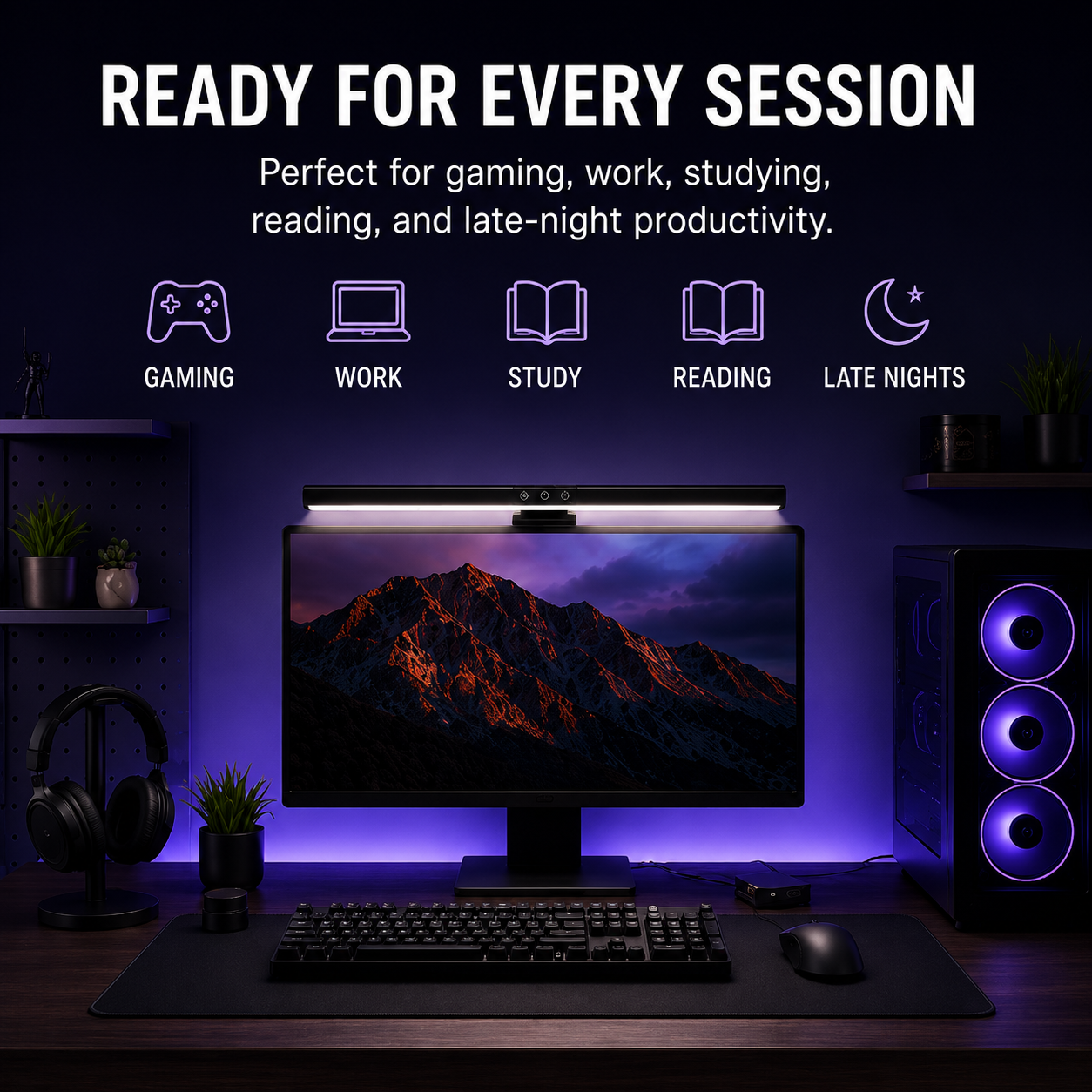
Upgrade your workspace with focused, glare-free lighting designed for late-night gaming, work, and study sessions. The Midnight Monitor Light Bar mounts neatly on top of your monitor to illuminate your desk, not your screen, helping reduce eye strain while keeping your setup clean and clutter-free.
Whether you're gaming after dark, finishing work, or reading late into the evening, adjustable brightness and three lighting temperatures let you create the perfect atmosphere for any task.
Why You'll Love It
Screen-Friendly Lighting
The asymmetrical light design shines directly onto your desk while minimizing screen glare, creating a more comfortable viewing experience during extended computer use.
Three Adjustable Light Modes
Choose the lighting that fits your environment:
- Warm White (3000K) – Relaxing for reading
- Neutral White (4000K) – Balanced for everyday use
- Cool White (6500K) – Bright for productivity and gaming
Stepless Brightness Control
Fine-tune brightness from 5% to 100% with smooth touch controls to create the perfect level of illumination.
Save Valuable Desk Space
Unlike traditional desk lamps, the compact monitor-mounted design keeps your workspace open while providing focused lighting exactly where you need it.
Quick & Easy Installation
No tools required. Simply attach the counterweighted mount to the top of most monitors, plug into any USB power source, and you're ready to go.
Perfect for:
- Gaming setups
- Home offices
- Students
- Programmers
- Content creators
- Late-night productivity
Specifications
- Power: 5W
- Input: DC 5V / 1A (USB Powered)
- Material: ABS + PC
- Brightness: 5%–100% Stepless Dimming
- Lighting Modes: Warm / Neutral / Cool White
- Color Temperatures: 3000K / 4000K / 6500K
- Color Rendering Index (CRI): >90
- Luminous Flux: 201 lm
- Light Source: Integrated LED
- Mount Type: Counterweighted Monitor Clamp
- Installation: Tool-Free
- Bulbs Included: Yes
What's Included
- Monitor Light Bar
- USB Power Cable
- User Manual
Helpful Tips
- Connect the included USB cable before first use.
- Press and hold the power button for 1–2 seconds to turn the light on or off.
- Use the included USB cable for the most reliable performance.
- Compatible with most flat monitors using the integrated counterweight mounting system.
Share